Your geometry, preserved
Make It Real converts sketches, CAD viewports, and white models into photoreal images while holding massing, openings, and proportion. It is an edit of your image, not a fresh hallucination.
 renderha.ai
For architects
Upload a sketch, a SketchUp export, or a clay render. Renderha returns a photoreal image that keeps your geometry, openings, and massing exactly as drawn.
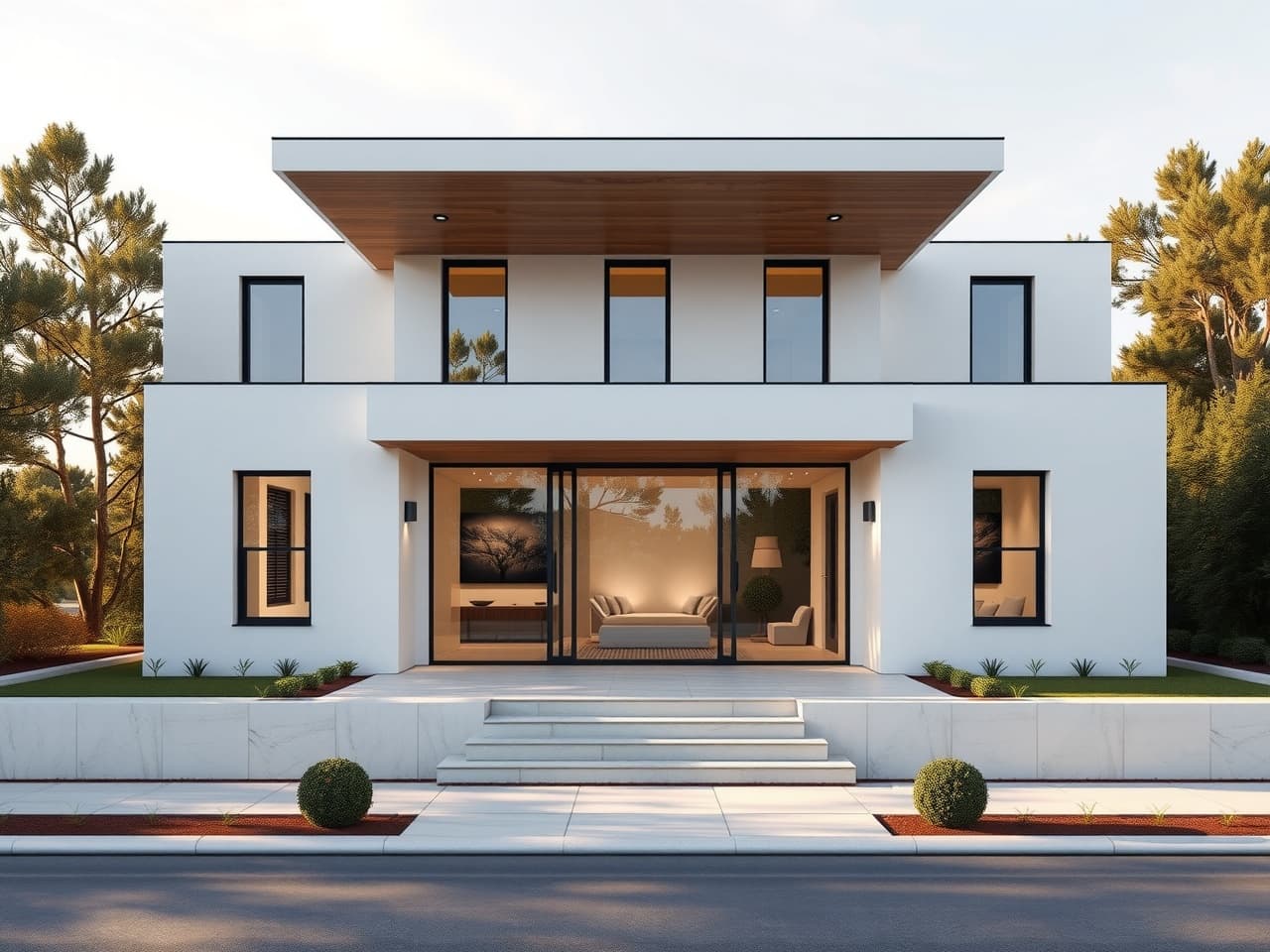
Most rendering tools ask you to choose between speed and control. A render farm is slow and expensive; a generic image generator invents a building that is not yours. Renderha is built for the way architects actually work: it treats your upload as the structural and camera ground truth and rebuilds only the surface — light, materials, landscape, and atmosphere — so the design that comes back is the design you drew.
That means you can render a concept the moment it exists, test a façade idea before lunch, and walk into a client meeting with images instead of apologies. No prompt engineering, no node graphs, no plugin licences tied to a workstation.
Make It Real converts sketches, CAD viewports, and white models into photoreal images while holding massing, openings, and proportion. It is an edit of your image, not a fresh hallucination.
Let the AI detect a finish and swap it for another, push a new façade language (Mediterranean, brutalist, Art Deco) onto the same massing, or generate an aerial and a street-level view from one source — all in a few clicks.
Every render lands in a project workspace and drops into the proposal builder, so the path from a napkin sketch to a sendable PDF deck never leaves one tab.
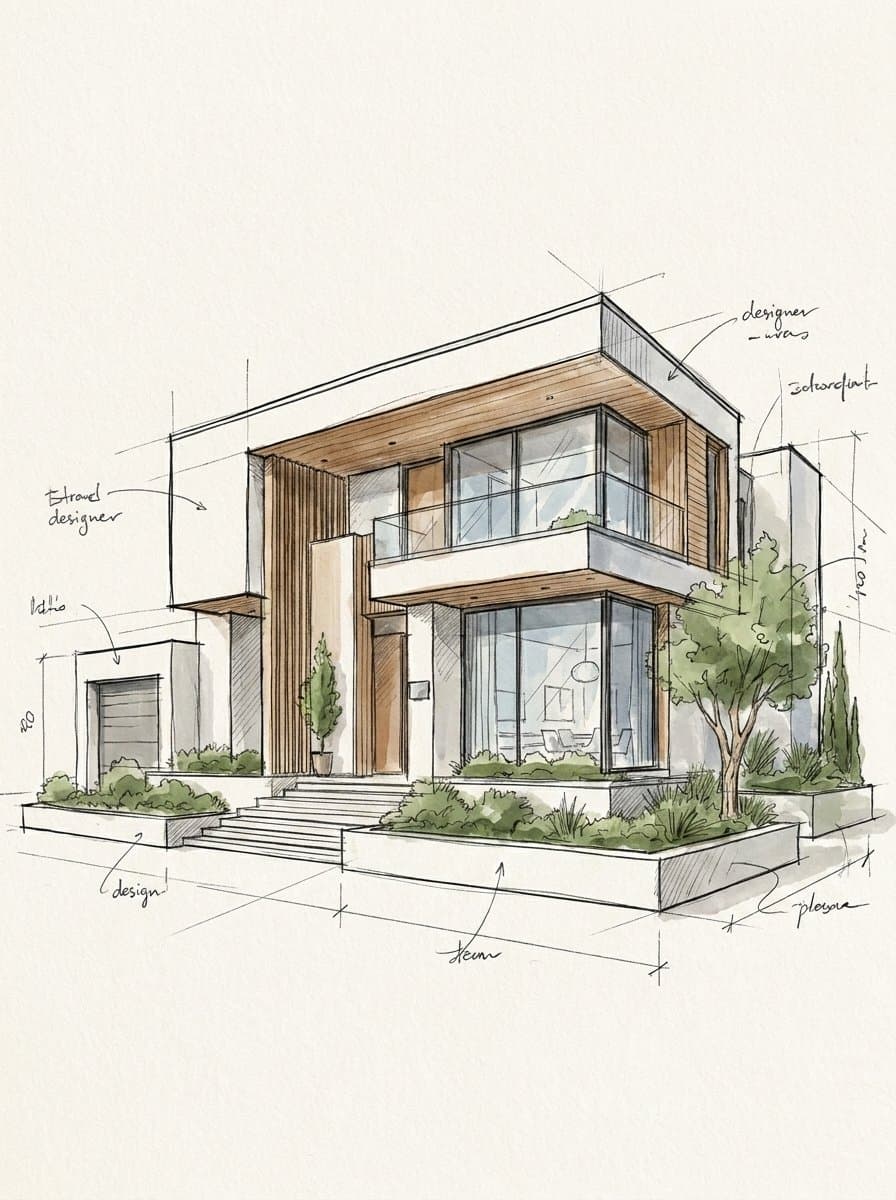
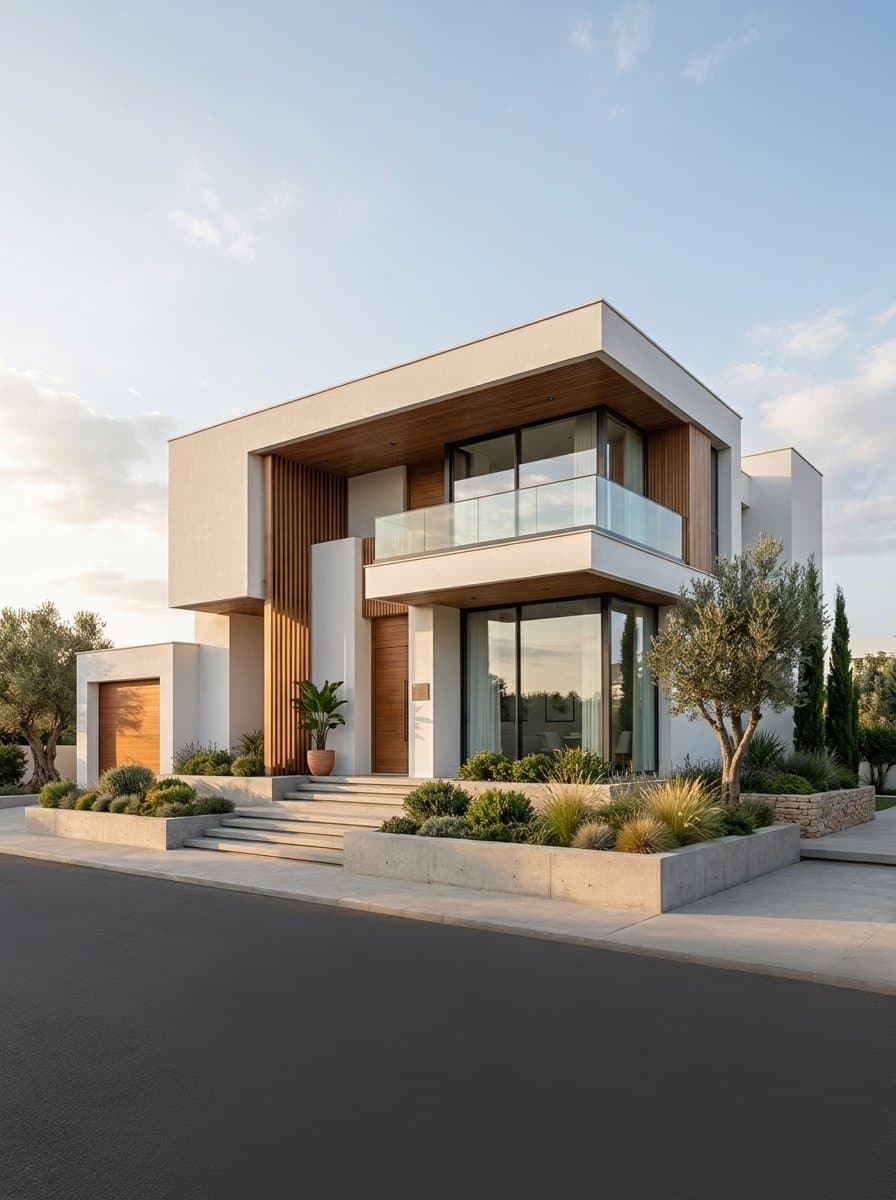
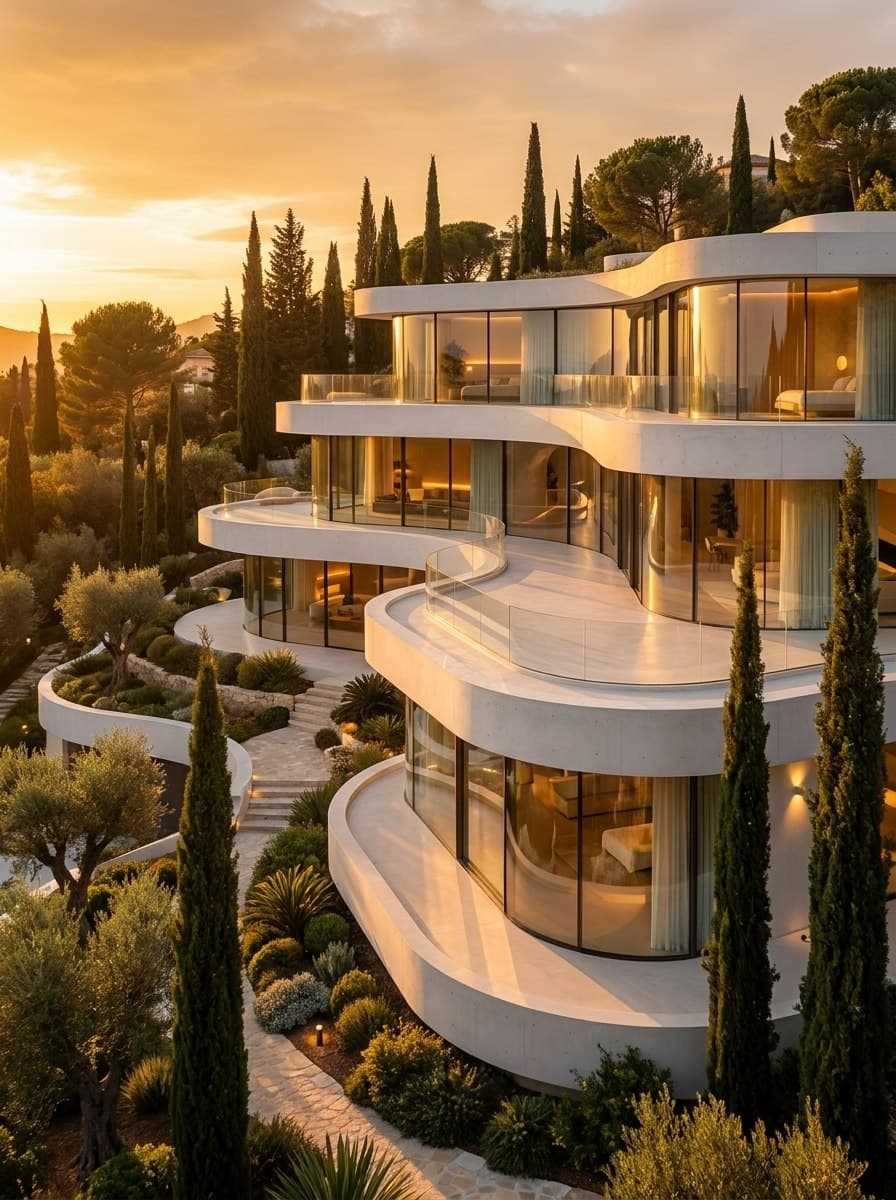
No prompts to write, no render farm, no plugins. Just upload and decide.
Start free