Detected, not masked
Renderha's AI detects the visible finish materials and lists them for you — no manual painting, masking, or region-drawing. You pick from what it found.
 renderha.ai
Tool
Renderha's AI detects the real finish materials in your image. Pick the one you want to change, choose what to replace it with, and only that material updates — everything else stays exactly as it is.
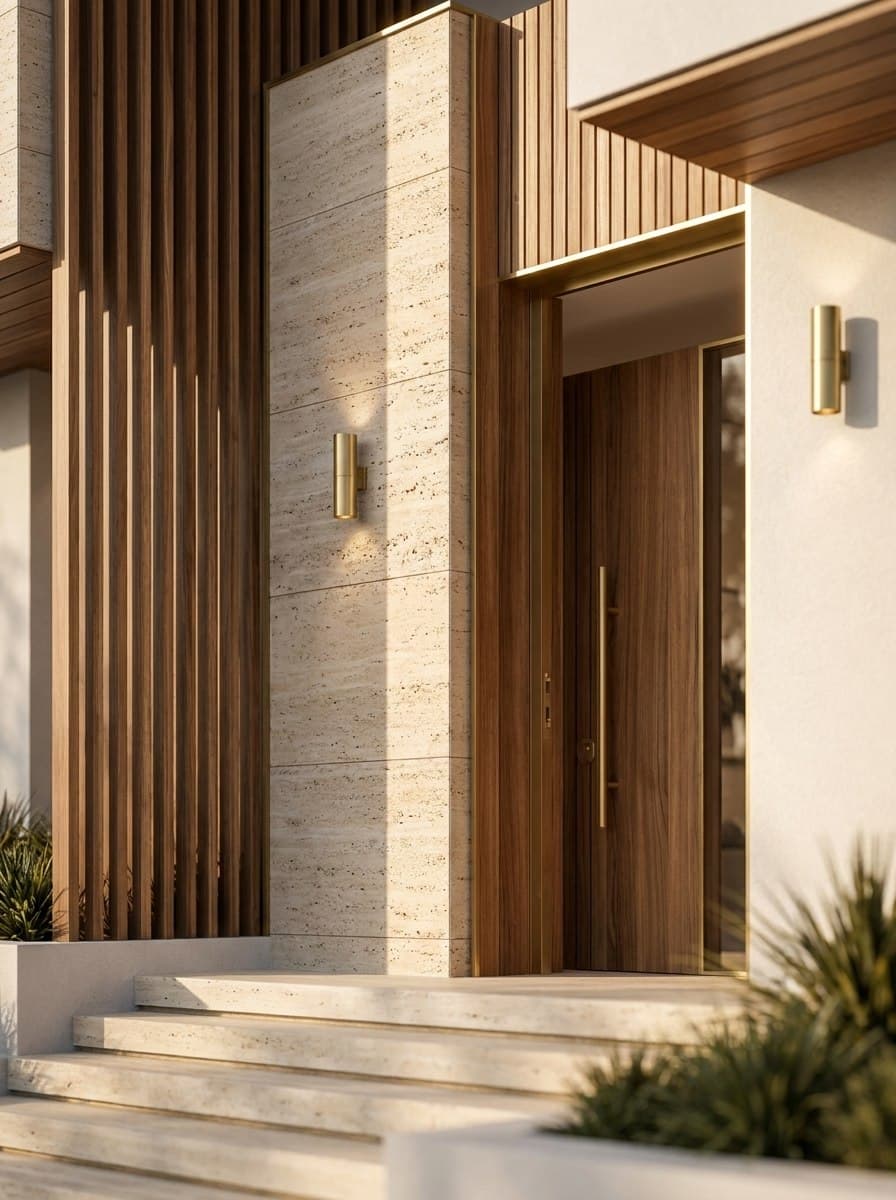
Materials begins by reading your image. Renderha's material detection identifies the real finish groups it can see — concrete facade walls, timber ceiling soffits, travertine floor slabs, glass window frames — and offers them as labelled options, so there is no masking, painting, or region-drawing by hand. You pick the finish you want to change, set what it should become (with suggestions on hand), and Renderha replaces only that material.
Everything else is held in place: geometry, object placement, lighting direction, camera, and every finish you did not select. The replacement looks installed rather than stuck on — it respects corners, trim, grout lines, panel seams, occlusion, bevels, and the scale of texture repetition, and on realistic outputs it picks up physically based roughness, reflectivity, edge wear, and contact shadows. Any people in the source are kept exactly as they are.
Renderha's AI detects the visible finish materials and lists them for you — no manual painting, masking, or region-drawing. You pick from what it found.
Select a detected finish to change from, set the change to, and only that material updates; geometry, lighting, camera, and every other finish stay fixed.
Replacements respect corners, trim, grout, seams, bevels, and texture scale, with correct occlusion, roughness, and contact dirt on realistic outputs.
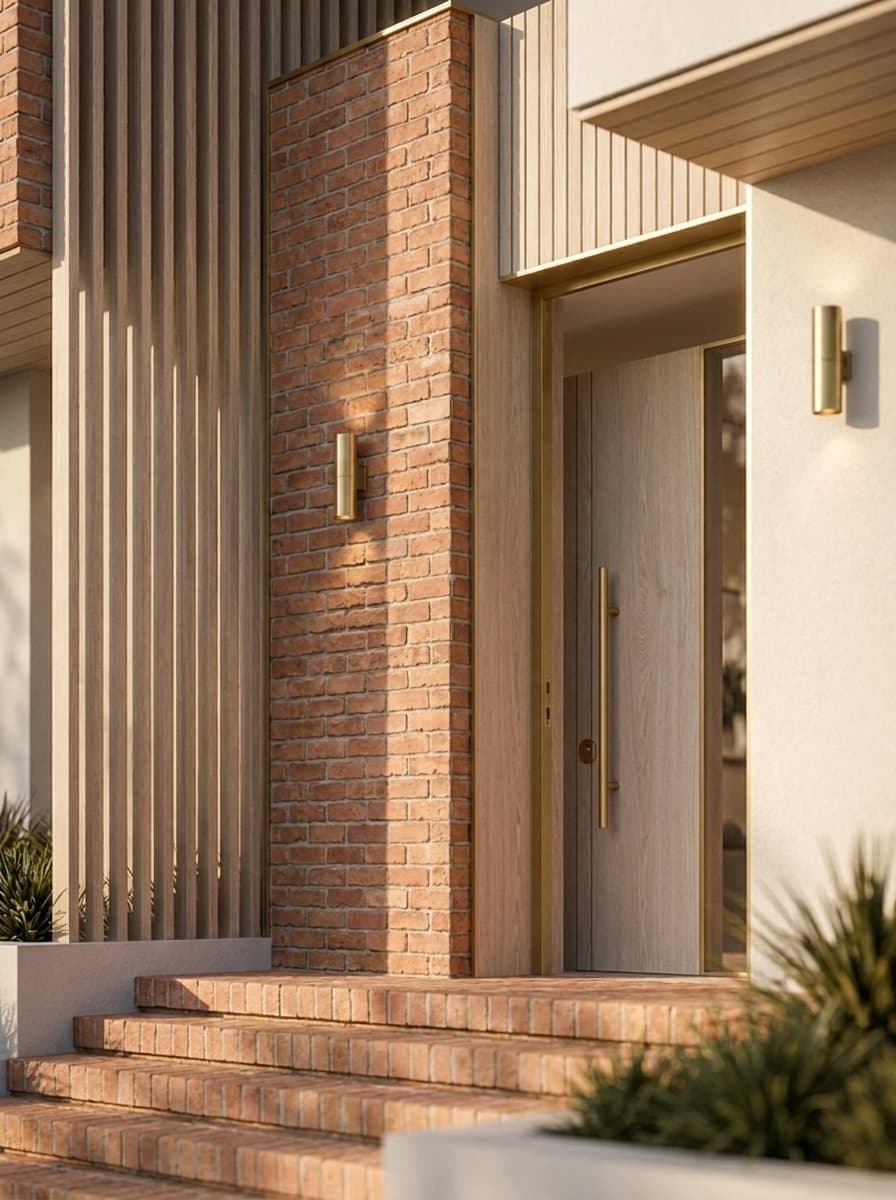
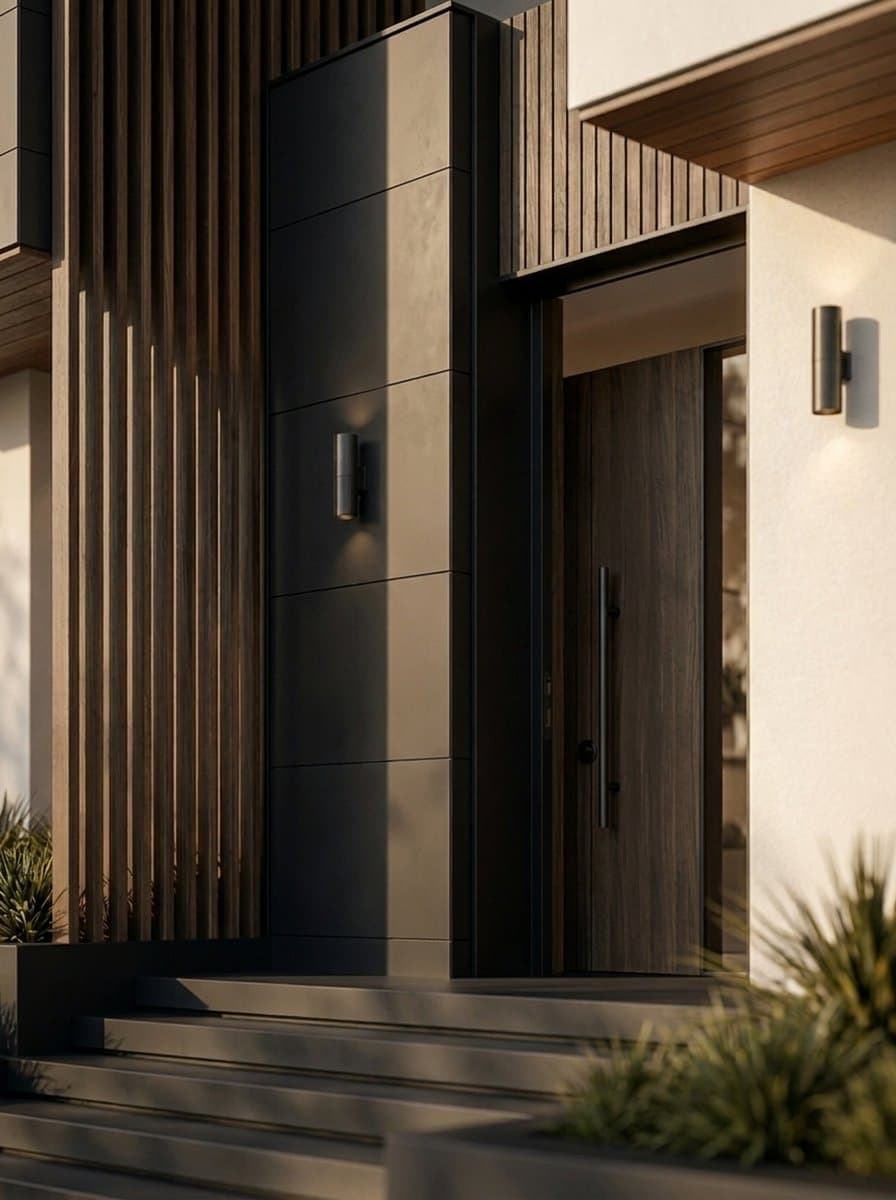
No prompts to write, no render farm, no plugins. Just upload and decide.
Start free